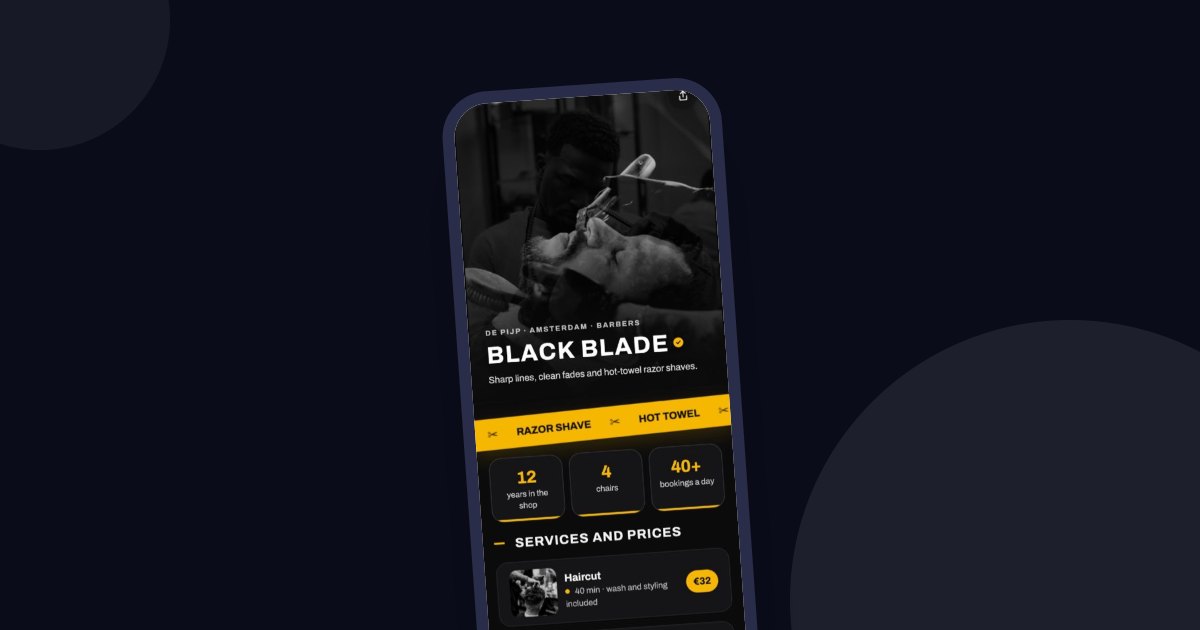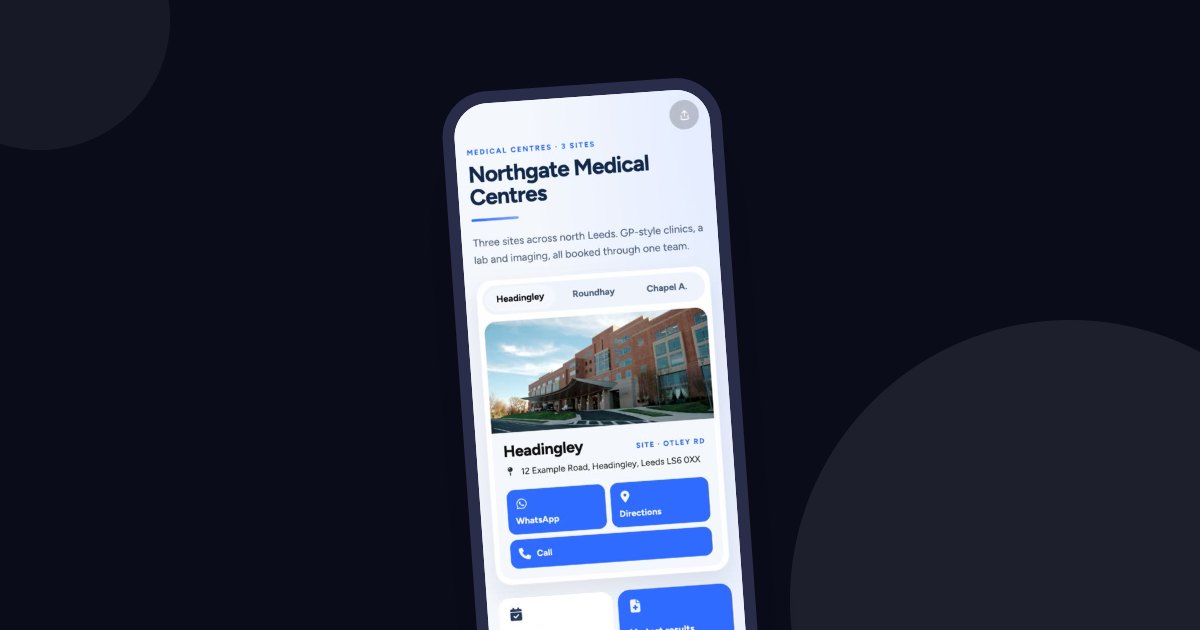
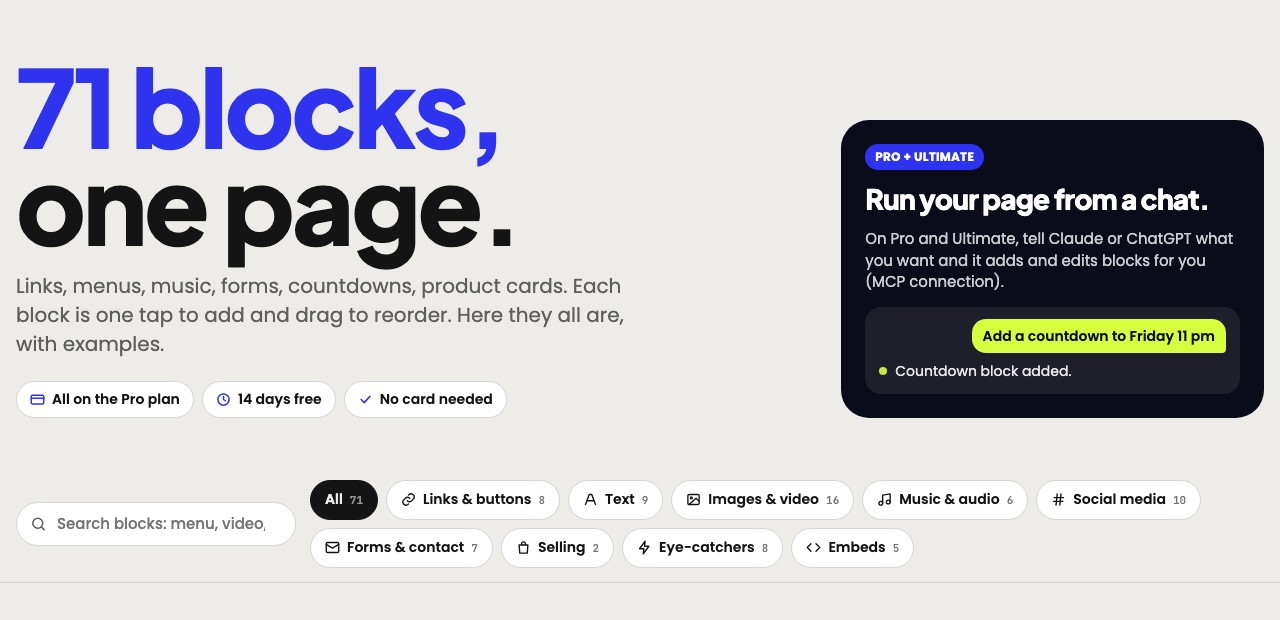
On tappon.bio, your bio page is made of blocks. A block is a single piece, such as a button, heading, image, video or form. The catalogue has 71 of them. To add one, open your page, choose the block type, fill in the fields and save. Then drag it into place.
Rather than listing them one by one, we've grouped them by what they do.
Links and buttons
This is the core of your page. A Link sends visitors to your menu or ticket page. A Big link puts one link in the spotlight with a photo. A Featured link suits something like your product of the week. An Action button makes a call, WhatsApp message, email or directions one tap away. The Share block lets visitors send your page to a friend.
Text and information
Heading, Text, Formatted text and List help you say who you are. An FAQ saves you from answering the same questions again. Pop-up text is for longer content like rules or terms. Opening hours shows your hours day by day, or that you're temporarily closed.
Images and video
Profile photo, Image, Image grid, Image slider and Cover header shape how your page looks. The Before / after block compares two photos with a slider, which is useful for grooming or renovation work. For video there's your own file, YouTube, Vimeo, Twitch, Kick and VK Video. The YouTube channel block lists your latest videos automatically.
Music and audio
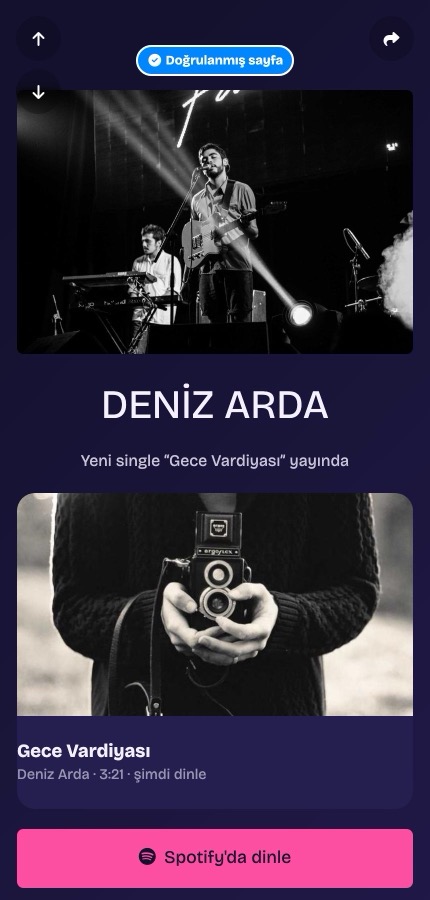
The Spotify, Apple Music, SoundCloud, Tidal and Mixcloud blocks show your tracks on your page. The Audio player plays your own demo or podcast file.
Social media
Social icons shows your accounts in one row. There are also blocks for an Instagram post, a TikTok video or profile, an X post or video, Pinterest, Snapchat, a Telegram post and a Discord server.
Forms and contact
A Contact card lets visitors save your details to their contacts in one tap. Entries from Email signup, Phone signup and the Contact form arrive in the Data section of your dashboard. Google Form and Typeform blocks bring your existing forms onto the page.
For marketing messages you need the person's explicit consent, and a record of it. State clearly on the form what permission you're asking for.
Blocks that catch the eye
Announcement and Text marquee are for short messages. Countdown shows the time left until a sale or event. Counter shows a number with a count-up animation. Timeline tells your story in date order. Customer review and Weather fit here too.
Products and embedded content
A Product card shows an item with a photo and price, and leads to your shop. The PDF block opens a menu or catalogue. Canva design, RSS feed and Embed a web page bring content from elsewhere onto your page. Custom code is there for adding your own HTML.
Which plan do you need?
The Free plan gives you 100 blocks per page, but some blocks are on Pro. You can use all of them during the 14-day trial, with no card.
Every block has an example in the block catalogue. You can try your own page at tappon.bio.