You've built your bio link page and added it to your profile. But is it working? To find out, look at how many people arrive and where they tap. The good news is that you don't need to code, and a few simple numbers answer most questions.
Visits and clicks aren't the same
Let's separate two words first. A visit means someone opened your page. A click means they tapped a button and went somewhere. If a hundred people open your page and nobody taps anything, the problem is probably the page or its buttons.
What should you look at?
- Where do they come from? Instagram, TikTok, the QR code on your business card?
- Which device are they on? If most are on phones, check your page on a phone first.
- When do they arrive? You can plan your posts around the busy days.
- What interests them? Is the booking button or the call button doing more of the work?
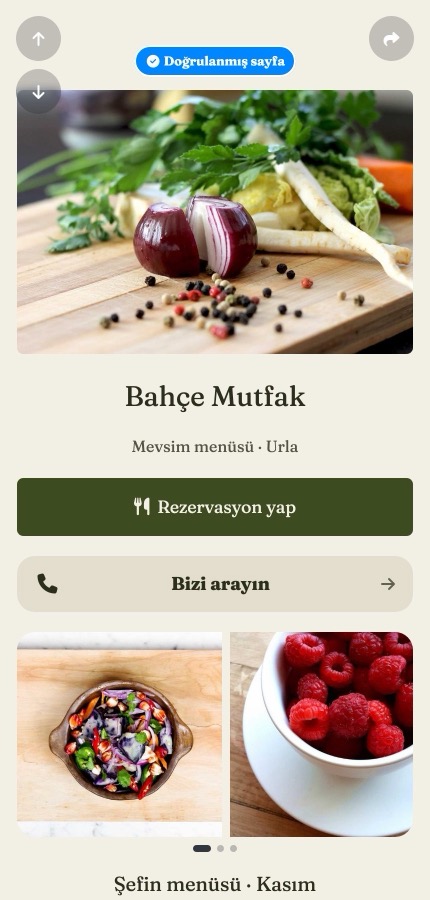
How do you check on tappon?
The Links statistics section in the left menu shows your visits and clicks. Choose a date range at the top right, then check the source, country and device lists. The Free plan includes 30 days of statistics.
Two things help keep the numbers clean:
- Bots aren't counted, so figures may look lower than in other tools
- If you exclude your own IP address in Preferences, your own visits aren't counted
Measuring one source on its own
If you share the same page in many places, there are two ways to tell which one works.
- Short links: You create a separate short link for each campaign or place, such as one for a brochure and one for a business card. Each one's clicks are counted separately.
- UTM tags: A small piece of campaign information added to the end of a link. It separates ads from organic traffic, and tools such as Google Analytics can read it.
If you run ads, pixels can help too. You connect the tracking code from tools like Google Analytics or Meta to your page. This is a Pro feature. Because you're tracking your visitors, say so in your privacy notice and ask for cookie consent where needed.
How should you read the numbers?
A click isn't the result itself. Not everyone who taps a booking button actually books. Tools also count differently, so seeing different numbers in two dashboards is normal. Don't fixate on one figure; compare this week with last week, and see what happens when you change something on the page.
In short
You don't need to check every day. Looking a few times a month at where people come from and what they tap is enough to improve your page.
Want to try your own? You can start free at tappon.bio.