You don't need to code or be a designer to create a bio link page. The page is made of small pieces stacked on top of each other, called blocks. A button, a heading, a photo or a form is each one block.
The order below makes your first page easier to put together.
Prepare first
Before you start, jot down:
- Your profile photo or logo
- A sentence or two about you
- The links you want to share
- The one thing you most want visitors to do
That last item matters most. For a café it might be "View menu". For a yoga studio it might be "Book a class".
Build your page step by step
- Sign up with a bio link service and create a new page.
- Choose your page's address. Pick something short and easy to read, such as tappon.bio/mokakose.
- Add your profile photo and a heading.
- Add your link buttons, with the most important one at the top.
- Drag the blocks into order.
- Pick a ready-made theme or set the colours yourself.
- Save, then open the page on your phone and check it.
- Paste the address into the link field on your social media profile.
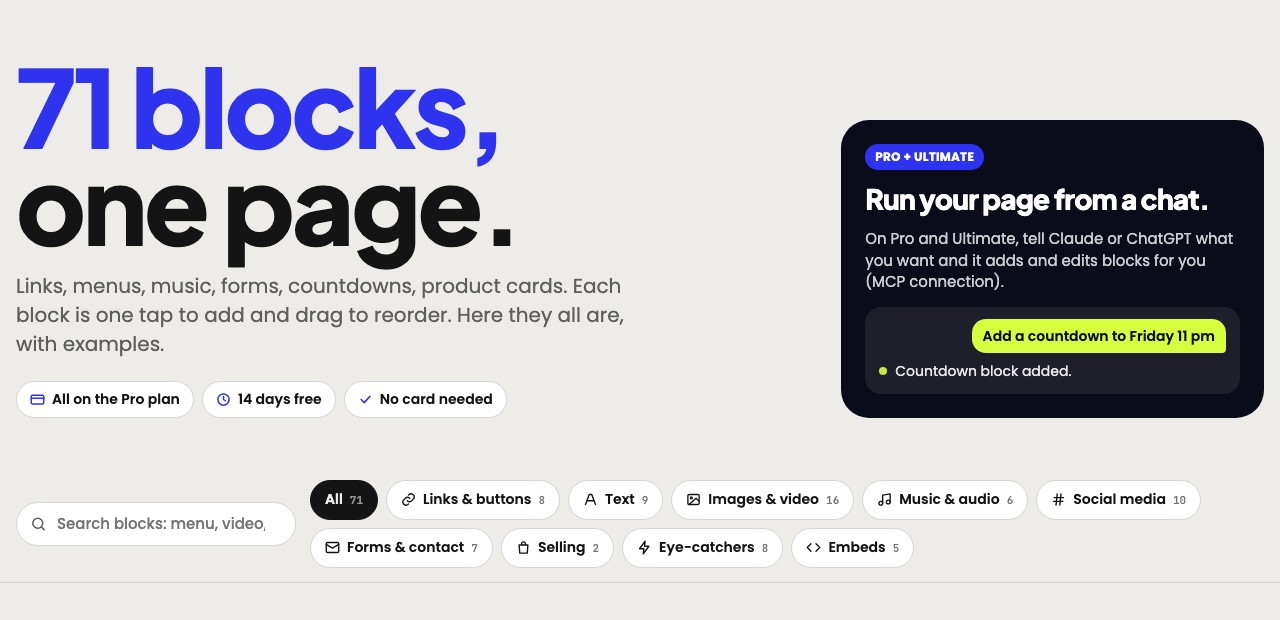
This is a block catalogue. You don't need to use all of it. A few blocks are enough for a first page.
Keep it simple
Beginners often want to add everything at once, but a short page is easier to read. The part visible on the first phone screen is your most valuable space, so put your main button there.
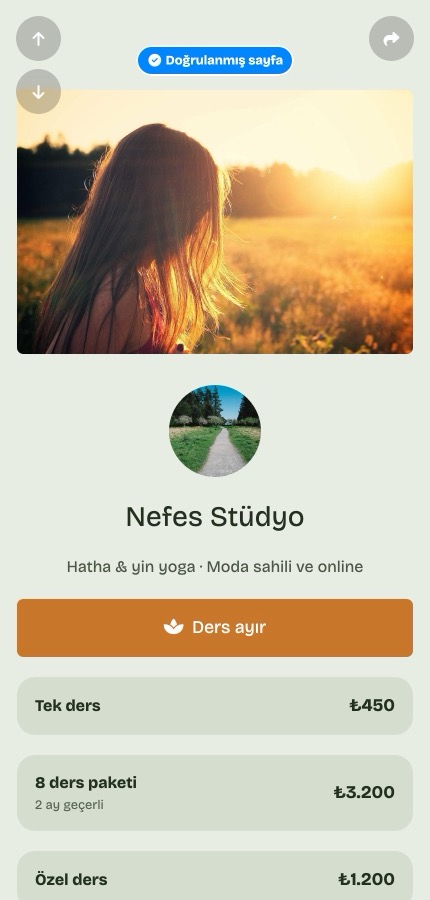
On this example page the main button sits right at the top, with the class options listed underneath.
Check before you share it
- Tap every button once and make sure it goes to the right place.
- Open the page on a phone, since most visitors will likely see it there.
- Look for typos.
- Make sure nothing is wrong or out of date.
Choose your address carefully
If you change the address later, the old one stops working. You would then have to update everywhere you shared it, including any QR codes. Picking a lasting name at the start saves that trouble.
You can keep editing after the page is live. Your changes appear once you save them, and your address stays the same.
In short
All you need for a bio link page is a photo, a short intro and a few links. Don't try to make the first version perfect. Publish it, then improve it as you go.
Want to try your own? You can start free at tappon.bio.